How to Choose an AI Model for Coding (2026 Decision Guide)
Reasoning vs non-reasoning, context window, tool calling, and cost. A practical framework for picking the right model per task instead of guessing.
Contents
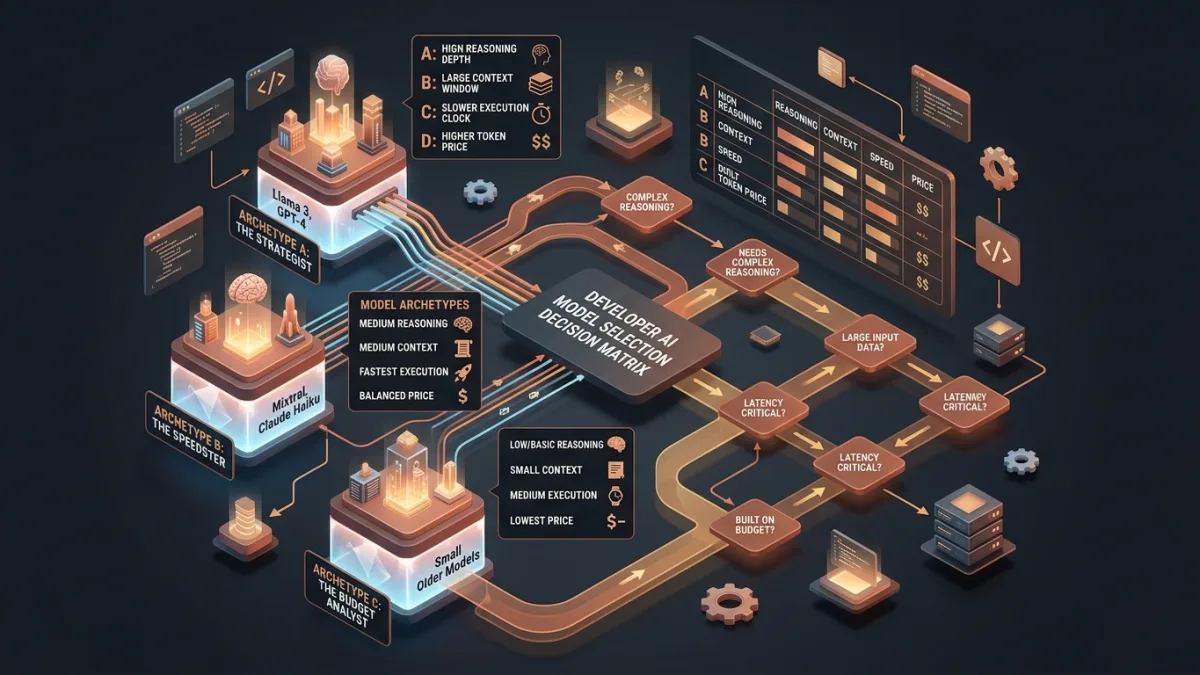
Model catalogues are long and the names tell you almost nothing. "Which model should I use for coding?" has no single answer, because coding is not one task — writing a regex and debugging a race condition need different things.
This guide gives you a framework: four questions, in order, that narrow 31 models down to the right one for the job in front of you.
Question 1: Does it need tool calling?#
This is a hard requirement, not a preference.
If an AI agent is doing the work — reading files, editing them, running commands — the model must support tool calling. Without it, the agent can discuss your code but cannot touch it. The tool appears broken when the real problem is the model.
| Your setup | Tool calling |
|---|---|
| Kilo Code, Cline, Cursor Composer, opencode, Aider, Claude Code | Required |
| Chat panel, browser agent, one-off questions | Optional |
Check the Tools badge on the models page, or programmatically:
curl https://cleanapis.com/v1/models \
  -H "Authorization: Bearer cc_your_key_here"
Look for "tools" in the capabilities array. Filter first on this, then continue.
Question 2: How much code has to fit?#
The context window is the maximum combined prompt + completion. It does not affect price directly — you pay for what you send — but it sets a hard ceiling on what is possible.
Agents are context-hungry in a way that surprises people. A single task sends:
- Your system prompt and tool schemas (~1,500 tokens)
- File contents, often several files (3,000–20,000 tokens)
- Conversation history, resent every turn (grows continuously)
- The model's own reasoning (2,000+ for reasoning models)
| Context | What it realistically handles |
|---|---|
| 8K | One short file, simple Q&A |
| 32K | A few files, moderate conversation |
| 128K | Real codebase work, agent sessions |
| 1M | Whole repositories, very long documents |
For agentic coding, treat 128K as the floor. Anything smaller fails or truncates mid-task on real projects.
Question 3: Does the problem need reasoning?#
This is the decision that most affects both quality and cost.
Reasoning models work through a problem internally before answering. That thinking is generated text and counts as billed completion tokens — even if you never display it.
The improvement is real on some tasks and irrelevant on others:
| Task | Reasoning helps? |
|---|---|
| Debugging a subtle bug | Yes, substantially |
| Architecture and design decisions | Yes |
| Algorithm work, complex logic | Yes |
| Multi-step planning | Yes |
| Renaming, formatting, boilerplate | No |
| Writing docstrings, comments | No |
| Translation, summarising | No |
| Simple CRUD, straightforward functions | Marginal |
A reasoning model on a formatting task costs several times more for an identical result. Using a non-reasoning model on a hard bug wastes your time instead of your money.
The max_tokens trap#
Reasoning tokens come out of the completion budget. Cap it too low and the model spends everything on thinking, returning an empty content.
# Wrong — 500 tokens may be entirely consumed by reasoning
response = client.chat.completions.create(
    model="claude-opus-4.8",
    messages=[{"role": "user", "content": "Debug this deadlock..."}],
    max_tokens=500,
)

# Right — room to think and answer
response = client.chat.completions.create(
    model="claude-opus-4.8",
    messages=[{"role": "user", "content": "Debug this deadlock..."}],
    max_tokens=16000,
)
Clean APIs floors max_tokens at 2048 and defaults to 8192 when omitted, which prevents the worst version of this. For genuinely hard problems, set 16000 or more explicitly.
Reasoning output arrives in a separate field so it never contaminates your answer:
message = response.choices[0].message
print(message.content)                                  # the answer
print(getattr(message, "reasoning_content", None))      # the thinking
Question 4: What is it worth per task?#
Price per 1M tokens is the headline, but the number you care about is cost per completed task, and those differ by more than the rate suggests.
A reasoning model at 2× the rate of a non-reasoning one may cost 4–6× per task, because it also generates far more output. Conversely, a cheap model that needs three attempts to get something right is not cheap.
Rough token budgets:
| Task | Tokens |
|---|---|
| Chat question about code | ~3,000 |
| Single file edit (agent) | ~8,000 |
| Multi-file refactor | 30,000–80,000 |
| Long autonomous session | 100,000+ |
Multiply by the model's per-1M rate to get real cost. The models page shows input and output rates per 1M for every model, sortable.
Does vision matter?#
Only if you send images — screenshots, mockups, diagrams, error dialogs.
If you do, the model needs the vision capability. Tools check this before attaching: they read architecture.input_modalities from the models endpoint and refuse to send an image to a text-only model.
"architecture": {
  "modality": "text+image->text",
  "input_modalities": ["text", "image"],
  "output_modalities": ["text"]
}
When a tool says "this model does not support image input," the fix is switching models, not changing settings.
A working decision tree#
Is an agent editing files?
├── Yes → require "tools" capability
│         require 128K+ context
│         │
│         Is the task hard (debug / architecture / algorithms)?
│         ├── Yes → reasoning model, max_tokens 16000+
│         └── No  → mid-tier non-reasoning, max_tokens 8192
│
└── No (chat / questions)
          │
          Sending screenshots?
          ├── Yes → require "vision"
          └── No  → optimise for speed and price
Practical setups#
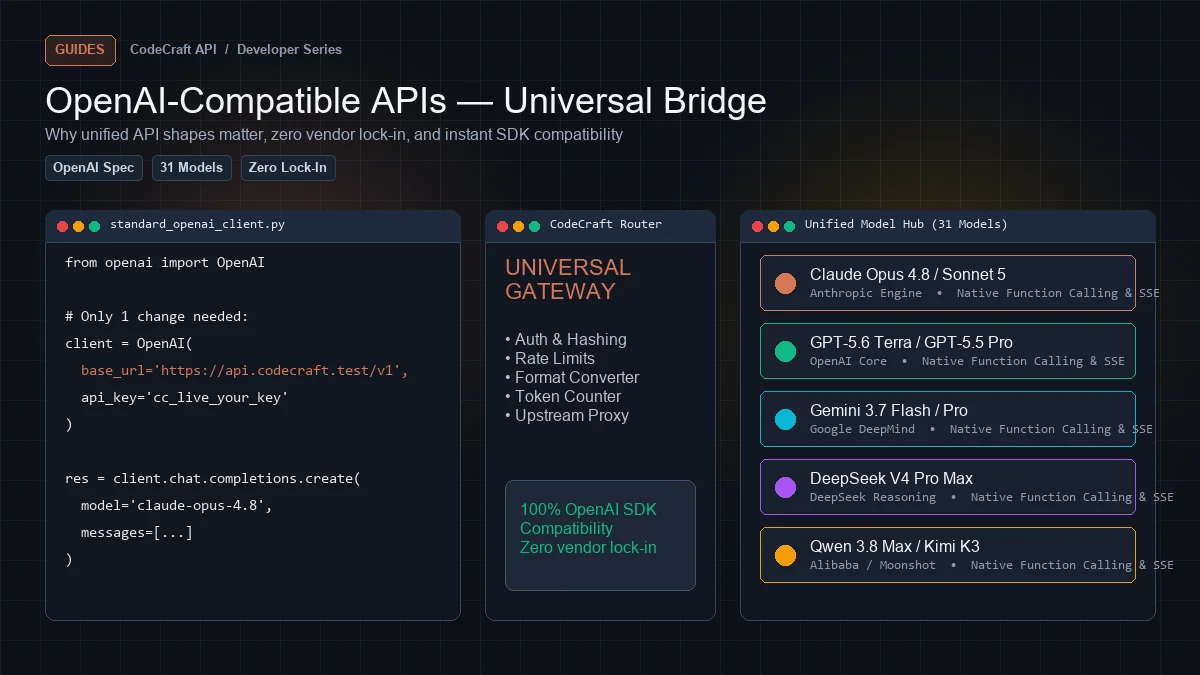
You do not have to pick one model. Because every Clean APIs plan reaches all 31 models, switching is a one-string change with no billing or integration consequence.
Solo developer, mixed work
- Cheap non-reasoning model as the default in your agent
- Switch to a reasoning model when you hit a real bug
Team on production code
- Mid-tier model with
toolsand 128K+ for daily agent work - Reasoning model reserved for architecture reviews and incidents
Learning or side projects
- Cheapest model with
tools— the free tier's 1M tokens goes furthest this way
Working with UI
- A
visionmodel as the default so screenshots always work
Where to verify all of this#
Do not take a model's word for it — check the metadata:
curl https://cleanapis.com/v1/models/claude-opus-4.8 \
  -H "Authorization: Bearer cc_your_key_here"
That single object tells you context length, every capability, supported parameters, and exact pricing. Filter and sort the whole catalogue visually on the models page.
Then measure. Dashboard → Usage shows real token counts and cost per request, split by model — so after a week you know which model actually earns its rate on your work.
Next steps#
Get a free API key — 5M tokens monthly, all 31 models, no card.
Ready to build?
Everything in this article works on the free tier — 5M tokens every month, all 33 models, no card.