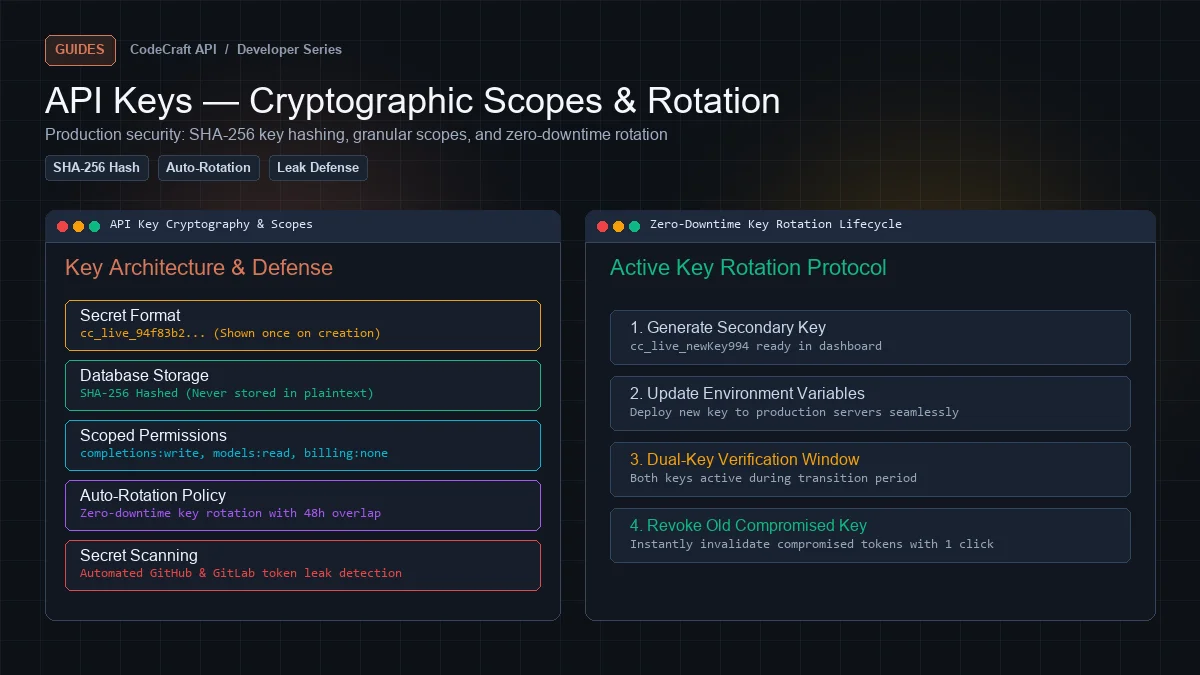
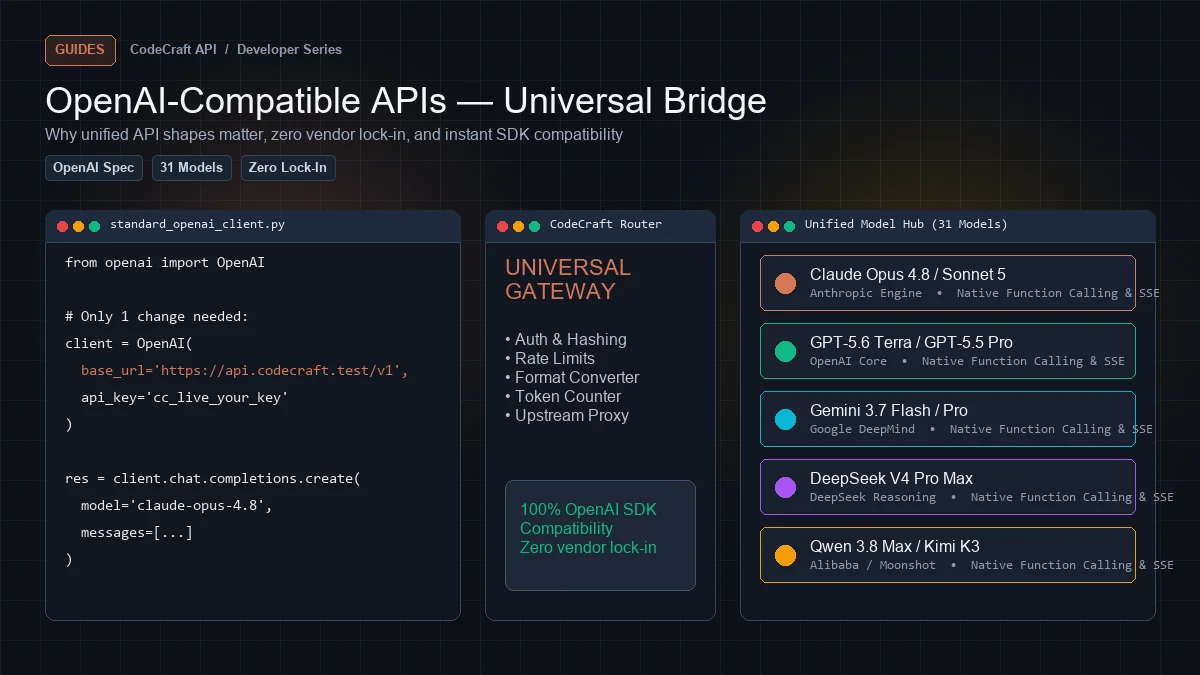
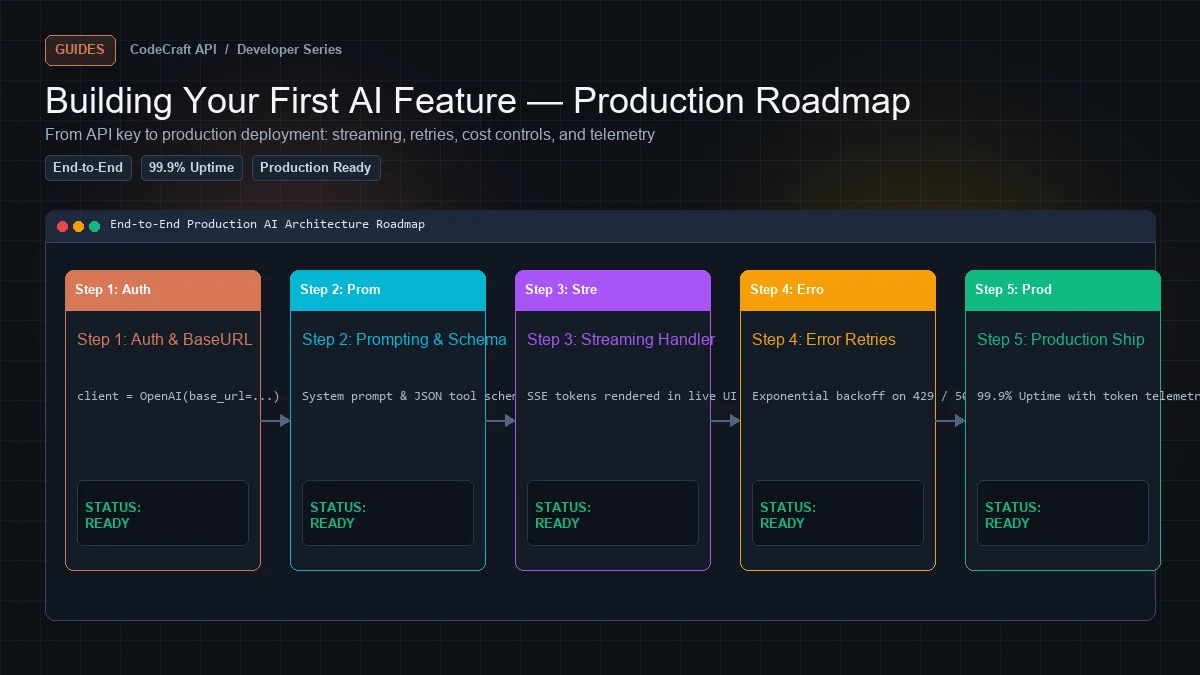
Building Your First AI Feature — From API Key to Production
A complete walkthrough of shipping an AI feature: streaming, error handling, cost control, rate limits, and the things that break in production.
Contents
- What we are building
- Step 1: Get a key and verify it
- Step 2: The naive version
- Step 3: Pick the right model
- Step 4: Bound the input
- Step 5: Cap the output
- Step 6: Stream it
- Step 7: Handle every error that matters
- Step 8: Log real cost per request
- Step 9: Rate limit your own users
- Step 10: Cache
- The production checklist
- What breaks in production
- Next steps
Most AI tutorials stop at "here is a working request." That is the easy 20%. The rest — streaming, timeouts, retries, cost control, and the failure modes that only appear under real traffic — is what separates a demo from a feature you can leave running.
This walks through building one production-ready feature end to end.
What we are building#
A code explanation endpoint: the user submits code, gets back an explanation, streamed as it generates. Small enough to follow, complete enough to be real.
Step 1: Get a key and verify it#
Create a free account — 5M tokens monthly, no card. Then Dashboard → API Keys → Create Key.
Verify before writing any application code:
curl https://cleanapis.com/v1/models \
  -H "Authorization: Bearer cc_your_key_here"
A JSON list means your key and URL are correct. Debugging auth inside your application is harder than debugging it with curl.
Step 2: The naive version#
import os
from openai import OpenAI

client = OpenAI(
    api_key=os.environ["CLEANAPIS_API_KEY"],
    base_url="https://cleanapis.com/v1",
)

def explain_code(code: str) -> str:
    response = client.chat.completions.create(
        model="claude-opus-4.8",
        messages=[
            {"role": "system", "content": "You explain code clearly and concisely."},
            {"role": "user", "content": f"Explain this code:\n\n{code}"},
        ],
    )
    return response.choices[0].message.content
This works. It is also unshippable, for five reasons we will fix in order.
Step 3: Pick the right model#
The naive version hardcodes one model. For explanation you want fast and cheap — this is not a reasoning task.
MODEL = "some-fast-model"        # explanation: fast, cheap
DEEP_MODEL = "claude-opus-4.8" # debugging: reasoning, expensive
Reasoning models generate their thinking as billed output tokens, so using one here would cost several times more for no quality gain.
→ How to choose an AI model for coding
Step 4: Bound the input#
Never send unbounded user input to a token-billed API. A user pasting a 10,000-line file is a cost incident.
MAX_INPUT_CHARS = 12_000     # ~4,000 tokens of code

def explain_code(code: str) -> str:
    if len(code) > MAX_INPUT_CHARS:
        raise ValueError(
            f"Code too long ({len(code)} chars). Maximum is {MAX_INPUT_CHARS}."
        )
    ...
Reject early with a clear message rather than truncating silently — a truncated explanation of truncated code confuses users.
Step 5: Cap the output#
response = client.chat.completions.create(
    model=MODEL,
    messages=messages,
    max_tokens=800,          # an explanation, not an essay
    temperature=0.3,         # consistent, not creative
)
max_tokens is your cost ceiling per request. temperature low, because two users asking about the same code should get similar answers.
One caveat: if you switch to a reasoning model, 800 may be entirely consumed by thinking and return empty content. Clean APIs floors it at 2048 to prevent the worst case, but set it deliberately per model.
Step 6: Stream it#
A 20-second wait feels broken. Streaming makes the same generation feel immediate.
def explain_code_stream(code: str):
    stream = client.chat.completions.create(
        model=MODEL,
        messages=[
            {"role": "system", "content": "You explain code clearly and concisely."},
            {"role": "user", "content": f"Explain this code:\n\n{code}"},
        ],
        max_tokens=800,
        temperature=0.3,
        stream=True,
    )

    usage = None

    for chunk in stream:
        if chunk.usage:                    # arrives in the final chunk
            usage = chunk.usage

        delta = chunk.choices[0].delta.content
        if delta:
            yield delta

    if usage:
        log_usage(usage.prompt_tokens, usage.completion_tokens)
Two details matter here:
Capture usage from the final chunk. Clean APIs requests it automatically, so you get real token counts rather than estimates.
Yield deltas, do not accumulate. Let your web layer forward them as they arrive.
Serving it over SSE from a web framework:
from flask import Response, request

@app.post("/api/explain")
def explain():
    code = request.json.get("code", "")

    def generate():
        try:
            for delta in explain_code_stream(code):
                yield f"data: {json.dumps({'text': delta})}\n\n"
            yield "data: [DONE]\n\n"
        except Exception as e:
            yield f"data: {json.dumps({'error': str(e)})}\n\n"
            yield "data: [DONE]\n\n"

    return Response(generate(), mimetype="text/event-stream", headers={
        "Cache-Control": "no-cache",
        "X-Accel-Buffering": "no",        # tell nginx not to buffer
    })
X-Accel-Buffering: no is not optional behind nginx. Without it, chunks are held and forwarded in batches, so the stream technically works while looking frozen.
Step 7: Handle every error that matters#
Each of these needs a different response. Treating them uniformly is how you end up retrying a 401 forever.
from openai import (
    OpenAI, APIError, AuthenticationError,
    PermissionDeniedError, RateLimitError, APITimeoutError,
)

def explain_code_safe(code: str):
    try:
        yield from explain_code_stream(code)

    except AuthenticationError:
        # 401 — key invalid or revoked. Never retry.
        alert_ops("API key rejected")
        raise UserFacingError("Service temporarily unavailable")

    except PermissionDeniedError:
        # 403 — missing scope. Never retry.
        alert_ops("API key lacks required scope")
        raise UserFacingError("Service temporarily unavailable")

    except RateLimitError as e:
        # 429 — retry after the header says
        wait = int(e.response.headers.get("Retry-After", 30))
        raise UserFacingError(f"Busy right now. Try again in {wait} seconds.")

    except APITimeoutError:
        raise UserFacingError("That took too long. Try a shorter snippet.")

    except APIError as e:
        if e.status_code == 402:
            # Out of balance — an operational problem, not a user one
            alert_ops("AI balance exhausted")
            raise UserFacingError("Service temporarily unavailable")
        raise
The distinction that matters: 401, 403, and 402 are your problems, not the user's. Alert yourself and show something generic. 429 and timeouts are transient and worth telling the user about.
Step 8: Log real cost per request#
You cannot control spend you cannot see.
def log_usage(prompt_tokens: int, completion_tokens: int, user_id: int, model: str):
    UsageRecord.create(
        user_id=user_id,
        feature="explain_code",
        model=model,
        prompt_tokens=prompt_tokens,
        completion_tokens=completion_tokens,
        created_at=now(),
    )
Log per feature, not just globally. When the bill grows you want to know which feature grew.
Clean APIs's Dashboard → Usage gives you the provider-side view — every request with its real token count and cost to six decimal places, split by key and model. Your own logging adds the dimension we cannot see: which of your features made the call.
Use a separate API key per environment so production and staging are distinguishable in the dashboard.
Step 9: Rate limit your own users#
Provider rate limits protect the provider. They do not stop one user from spending your entire budget.
def check_user_quota(user_id: int, daily_limit: int = 50):
    used = UsageRecord.where(
        user_id=user_id,
        feature="explain_code",
        created_at__gte=start_of_day(),
    ).count()

    if used >= daily_limit:
        raise UserFacingError("Daily limit reached. Try again tomorrow.")
Set this before launch, not after an incident. It is far easier to raise a limit than to explain a bill.
Step 10: Cache#
If the same code can be submitted twice, the second time should not cost anything.
import hashlib

def cache_key(code: str, model: str) -> str:
    return "explain:" + hashlib.sha256(f"{model}:{code}".encode()).hexdigest()

def explain_cached(code: str, model: str):
    key = cache_key(code, model)

    if hit := cache.get(key):
        return hit                       # zero tokens

    result = "".join(explain_code_stream(code))
    cache.set(key, result, ttl=86400)
    return result
Note that caching and streaming pull in opposite directions — you cannot stream from cache and also stream from the model with one code path. A common resolution is to stream on a miss while accumulating, then serve hits instantly as a complete response.
The production checklist#
Before you ship an AI feature:
Correctness
- Input length bounded, with a clear rejection message
-
max_tokensset deliberately for the model you chose -
temperatureappropriate to the task - Streaming, if the response takes more than ~2 seconds
Reliability
-
401/403/402alert you, not the user -
429respectsRetry-After - Timeouts handled with a useful message
- Errors inside a stream handled (they cannot use HTTP status)
Cost
- Real
usagelogged per request, per feature - Per-user quota enforced
- Caching where inputs repeat
- Model chosen for the task, not by default
Operations
- Key in an environment variable, never committed
- Separate keys per environment
- Usage alert configured so growth is visible early
- Proxy buffering disabled, timeouts raised, if self-hosted
What breaks in production#
Things that never appear in development:
Streams dropped by a proxy. Works on localhost, fails behind nginx. Fix: proxy_buffering off, proxy_read_timeout above your longest stream.
One user discovering the feature. Someone loops it. Per-user quotas exist for this.
Reasoning model returning nothing. Someone switched models without raising max_tokens. The budget went entirely to thinking.
Cost tripling with no traffic change. Usually conversation history growing unbounded, or a model swap.
402 at the worst moment. Balance ran out mid-week. Set a low-balance alert in Settings → Notifications.
Next steps#
- Streaming with SSE
- Tool calling explained — if your feature needs to act, not just answer
- How to reduce AI API costs
Get a free API key — 5M tokens monthly, everything in this guide works on the free tier.
Ready to build?
Everything in this article works on the free tier — 5M tokens every month, all 33 models, no card.